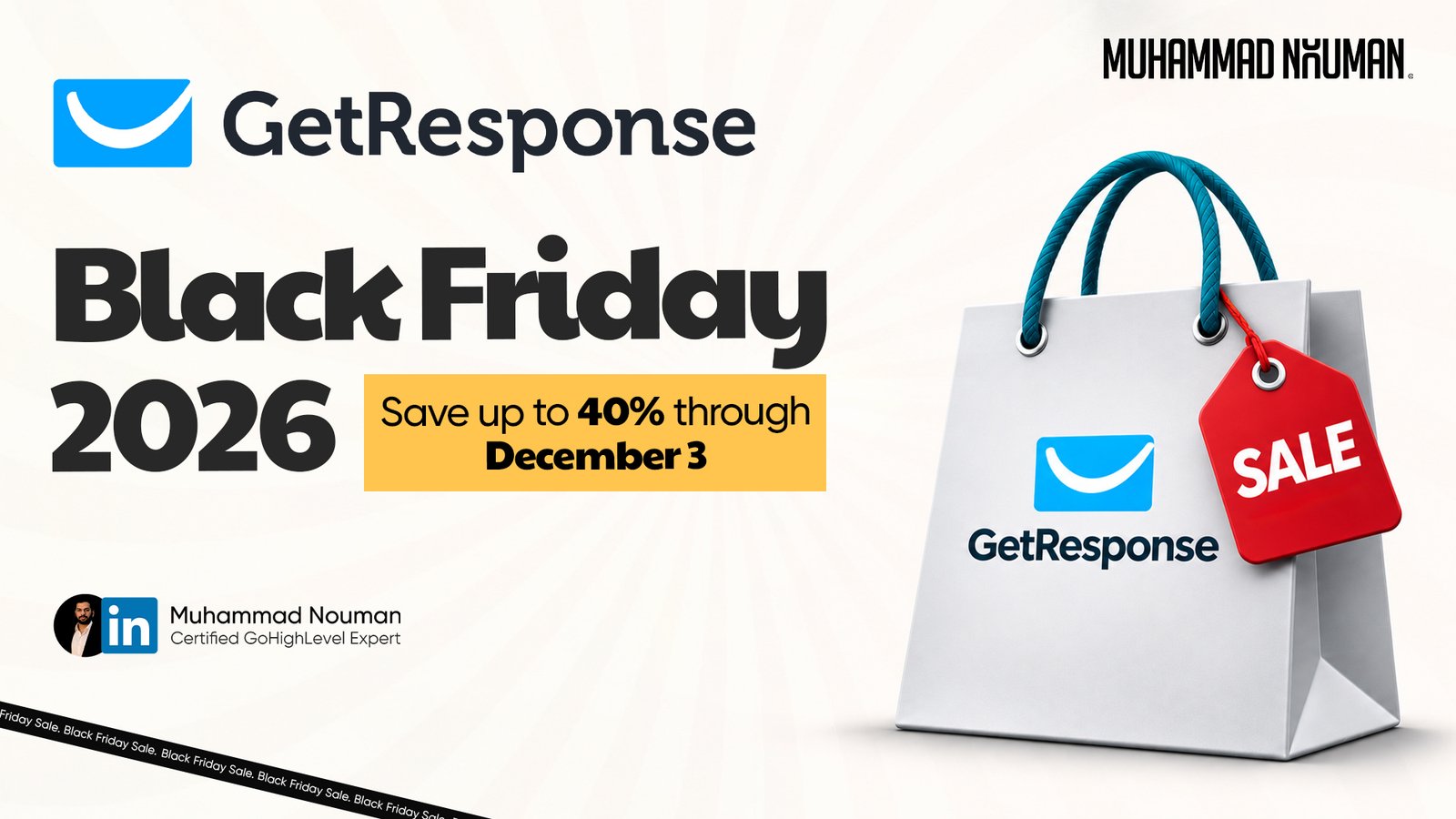
The GetResponse Black Friday 2026 deal offers 15% off monthly billing, 30% off annual billing, and 40% off a two-year plan. The sale runs through December 3, 2026, so it covers Cyber Monday on November 30. For a list of 1,000 contacts, the annual Starter price shown in the U.S. offer is $13.24 per month, billed annually. GetResponse’s official offer announcement
If you came here looking for a promo code, GetResponse’s public announcement directs buyers to its pricing page and does not list a code. Choose your list size and billing term there, then check the discount and the amount due before paying.
Check the GetResponse Black Friday deal
GetResponse Black Friday discounts at a glance
| Billing option | Advertised discount | Who it suits |
|---|---|---|
| Monthly | 15% off | Businesses testing GetResponse on a real campaign before committing |
| Annual | 30% off | Teams that expect to use email marketing consistently for the next year |
| Two-year | 40% off | Businesses that have already tested the platform and expect to keep it for two years |
Choose a plan for the features you need, then choose a billing period for the commitment you can comfortably make. You can qualify for the advertised two-year discount on a lower-tier plan if that tier and billing option appear as eligible at checkout. There’s no reason to pay for webinar or ecommerce features just to pursue the largest percentage on the banner. GetResponse pricing and plan comparison
GetResponse Black Friday pricing for 1,000 contacts
With Yearly selected, the U.S. pricing page shows the following prices for Starter, Marketer, and Creator. These figures use the 1,000-contact setting shown in the offer screenshot.
| Plan | Monthly reference price shown | Black Friday annual rate, displayed per month | Estimated 12-month total before tax |
|---|---|---|---|
| Starter | $19.00 | $13.24 | $158.88 |
| Marketer | $59.00 | $41.12 | $493.44 |
| Creator | $69.00 | $48.09 | $577.08 |
| Enterprise | Custom pricing | Request a quote | Request a quote |
The annual totals are estimates calculated from the displayed monthly equivalents. GetResponse bills annually on these offers. The invoice may differ slightly because of rounding, and currency, contact count, or local taxes can change what you pay. Enterprise is listed at custom pricing. GetResponse pricing
The comparison gets more useful when you put the plans in dollars. At these displayed rates, Marketer costs about $334.56 more per year than Starter, while Creator costs about $83.64 more per year than Marketer. Look at what your team would actually use for that extra cost. If you only need a newsletter and a welcome sequence, the jump to Marketer is meaningful. If you already need Marketer and pay for a separate webinar tool, the smaller jump to Creator is worth investigating.
Why your price might differ from the screenshot
The screenshot has 1,000 contacts and Yearly selected. Change either setting and the prices can change. If you plan to import 2,800 contacts, move the slider to the tier that covers your list before using any number from the table to build a budget. If you expect to run a campaign that grows the list quickly, price the next tier too.
Compare all three billing terms with the same plan and contact tier selected. That way, you can see how much the contract length changes the price without also changing the features or list capacity. Use the final checkout total as your reference for the amount due.
Is the 40% two-year discount worth it?
Choose the two-year deal if you’ve already tested the platform and can see yourself using it for 24 months. Choose annual if you’re confident about the coming year and want to reassess after that. Monthly makes sense if your first objective is to find out whether GetResponse fits your business.
Monthly billing at 15% off
If you’re moving from another email platform, use monthly billing to test one complete workflow. Build a signup form, create an email, send it to a small segment, and check whether your team can find the reporting it needs. If it takes several workarounds to run a routine campaign, you’ve learned something useful before making a larger commitment.
The official pricing page says subsequent pricing varies by billing period. Check how long your monthly discount applies and what the next charge will be before comparing it with annual billing. GetResponse pricing and offer terms
Annual billing at 30% off
Annual billing makes sense when you can already name the campaigns you’ll run over the next year. An accounting firm, for example, might use it for quarterly newsletters, a tax-season checklist, and a post-tax-season campaign for bookkeeping inquiries. Those are scheduled uses that give the subscription a purpose beyond the first email.
At the displayed Starter rate for 1,000 contacts, budget roughly $159 before tax for the year. If you plan to review your tools after the next tax season, a one-year term gives you time to see the results before making another commitment.
Two-year billing at 40% off
Compare the 24-month amount due with what you can afford to pay today. A lower monthly equivalent can still mean a higher initial payment. If you’re considering the two-year term because it’s only a little cheaper per month, check whether the extra savings justify paying for the second year now.
Also check whether your current software renews soon. Paying for two tools during a migration can offset some of the savings. The two-year deal is easier to justify if you know when the old subscription ends, you’ve tested the GetResponse features you’ll rely on, and your budget can absorb the full checkout total.
How to compare upfront cost with long-term savings
Here’s a budgeting example for Starter at 1,000 contacts. The pricing screenshot shows a $19 monthly reference price and an annual rate of $13.24 per month. For the monthly and two-year rows below, I’ve applied the advertised percentages to the $19 reference price to illustrate the math. Only the annual rate comes directly from the screenshot. Official discount schedule.
| Billing term | Monthly equivalent in this example | Estimated payment for the term |
|---|---|---|
| Monthly, using 15% off the reference price | $16.15 | $16.15 for one month |
| Annual, using the displayed offer | $13.24 | $158.88 for 12 months |
| Two-year, using 40% off the reference price | $11.40 | $273.60 for 24 months |
In this example, the two-year option is $1.84 cheaper per month than the annual option, but you’d spend $114.72 more upfront. If paying that extra amount would delay something you need to launch, such as building the landing page or getting help with migration, the annual payment could be the better fit.
You can also work backwards from the two-year invoice. Using the example above, if you paid $158.88 for year one, your second year would need to cost $114.72 or less for two annual purchases to match the estimated $273.60 two-year payment. Your future annual renewal rate may differ from the Black Friday rate, so use the renewal quote in your own calculation. These are illustrative figures before tax. Use the checkout totals for a buying decision.
Which GetResponse plan should you buy?
Starter for newsletters and a simple welcome sequence
Starter is where I’d begin for a small business that wants to collect subscribers, send regular newsletters, and welcome new signups. It includes signup forms, a landing page builder, a welcome series, and one custom automation workflow. That’s enough to test a focused campaign without paying for features your team may never touch. GetResponse Starter features
Say you run a bookkeeping firm and publish a free month-end checklist. Start with a signup form, deliver the checklist to new subscribers, and use a follow-up email to point interested readers to your consultation page. You can track whether subscribers click through and how many consultations result. That gives you a specific reason to keep using the software after the sale.
Marketer for multiple automations and online stores
Marketer is the plan to compare when one custom workflow feels limiting. It adds unlimited automation workflows, advanced segmentation, and abandoned-cart recovery. An ecommerce team could use separate workflows for new subscribers, shoppers who leave items in their carts, and customers who have already purchased. GetResponse Marketer features
The same logic works for a service business that offers several services. A firm could send bookkeeping prospects a monthly close guide and send tax advisory prospects a separate series about quarterly planning. If you expect to send one newsletter to most of your audience, try mapping that campaign on Starter before paying for the upgrade.
Creator for webinars, courses, and paid newsletters
Creator is worth comparing if your business earns money through education or events. It adds webinars, course creation, and paid newsletter tools. For example, a consultant hosting a recurring workshop can compare the cost of running registration and follow-up through GetResponse with the cost of keeping a separate webinar subscription. Check attendee and student limits against your real audience size. GetResponse Creator features
If your course or webinar platform already works well, include any migration time in the calculation. Moving registration pages, subscriber tags, and follow-up emails can cost more in staff time than you save on the subscription itself.
Three ways a small business could use GetResponse
1. Turn newsletter signups into bookkeeping consultations
A bookkeeping firm could publish a short guide to getting its books ready for year-end. After someone opts in, the first email delivers the guide. A second email can explain the two or three problems the checklist helps catch. A final message invites people who want help to book a consultation.
Set a simple goal for the campaign, such as generating qualified conversations with business owners who want monthly support. Track signups and booked calls from the same landing page. With one audience and one follow-up sequence, Starter is a reasonable place to begin. Consider Marketer when you have enough activity to justify a separate path for each service.
2. Give first-time shoppers a reason to come back
An online store might build two campaigns on Marketer. One reminds subscribers about a product left in their cart. The other follows up with buyers several weeks after their order with instructions, useful tips, or a reminder timed around when the product may need replacing. The two groups need different messages because they’re at different points in the buying process.
Before migrating, confirm that your store integration can pass the events you need into GetResponse. Run a test cart and a test purchase. Check that the correct emails trigger and that a shopper who purchases stops receiving the cart reminder. That small test tells you more about the platform’s fit than its advertised feature count. GetResponse marketing automation
3. Make a webinar part of your sales process
A training business could use Creator to promote a workshop, send reminders, and follow up with attendees. Add a second follow-up for people who registered but missed the event. If your team offers a paid course, use a link in the appropriate follow-up so you can see how many sales came from the workshop.
Put your current webinar tool and email subscription side by side with the Creator invoice. Then check how many people your largest events need to accommodate. A plan that covers your regular workshops may require a different setup for an occasional larger event. Check that capacity before moving your registration pages. GetResponse plan comparison
How to claim the GetResponse Black Friday deal
- Open GetResponse and go to Pricing.
- Use the list-size slider to select the number of contacts you expect to manage.
- Switch between Monthly, Yearly, and 2-year while keeping that list size selected.
- Pick Starter, Marketer, or Creator based on the features you plan to use.
- Review the amount due, currency, local taxes if applicable, and the price or terms for your next charge before paying.
If the advertised discount is missing, pause and check the offer terms. Existing customers should confirm eligibility in their billing area or with GetResponse support before changing plans. The public promotion page does not spell out eligibility for every account situation. GetResponse pricing and offer terms
What to check before you switch email platforms
If you already send email through another provider, pull up last month’s campaigns and list the features you actually used. Include any landing pages, forms, tags, and automations your site depends on. A cheaper plan can cost more in practice if you need a separate tool to rebuild a workflow you use every week.
Also check what happens to unsubscribed contacts and suppression lists during transfer. Preserve those records so people who opted out stay opted out. Run the first send with a small, engaged segment, check how it performs, and confirm that signups from your website reach the right list before moving the rest of your campaigns.
A simple way to compare providers is to rebuild one campaign from start to finish. Time how long it takes your team to create a form, write the email, schedule it, and find the reporting. If the campaign is one your business runs repeatedly, you’ll get a better feel for the day-to-day cost than you would from a feature checklist alone.
GetResponse Black Friday and Cyber Monday FAQs
When does the GetResponse Black Friday 2026 sale end?
GetResponse lists December 3, 2026 as the end date. The published window starts November 25. The public pricing banner gives the date without specifying an exact cutoff time. Official sale announcement
Is there a separate GetResponse Cyber Monday 2026 deal?
GetResponse’s published Black Friday offer runs through Cyber Monday, November 30. Its announcement lists the same billing discounts across the November 25–December 3 window. GetResponse’s Black Friday and Cyber Monday roundup
Is there a GetResponse Black Friday coupon code?
GetResponse does not list a public coupon code for this offer in its announcement. The sale pricing appears on the pricing page when you select a billing period. Confirm that the expected discount appears in your checkout summary before completing the order. GetResponse pricing
Can I get 40% off the annual plan?
The 40% discount applies to the 24-month term. The advertised discounts for annual and monthly billing are 30% and 15%, respectively. Official GetResponse offer
Can existing GetResponse customers claim the deal?
Check your account’s billing area or ask GetResponse support. The public announcement gives the dates and discounts, while eligibility for a particular existing subscription may depend on the offer terms and the account.
Does GetResponse renew at the Black Friday price?
GetResponse says that subsequent pricing varies by billing period. Check the next billing date and the renewal amount or terms shown for your plan before purchasing. GetResponse pricing and offer terms
What if my contact list grows during the billing period?
Price the tier you need today and the next tier you’re likely to reach. If a launch could take you from around 900 contacts to well over 1,000, check how a higher contact tier would affect the amount you pay during the promotional term. Ask support how a change would be billed if the answer is unclear at checkout. That figure matters more than the 1,000-contact entry price when you’re planning a long commitment.
Should I buy during Black Friday if my current subscription hasn’t expired?
Find your current renewal date and estimate how much of the subscription you’ll still pay for while both tools are active. Then work out the time needed to move forms and automations. If you can run a migration test now, you’ll be able to judge whether the overlap is manageable before paying for a year or two upfront.
What if the price on the offer page differs from this article?
First check your currency, contact count, and billing period. The prices in the main table are shown in U.S. dollars with 1,000 contacts and yearly billing selected. The table uses the monthly equivalent so that you can compare tiers easily. Check the entire amount due, including any applicable tax, in the order summary before paying. GetResponse pricing
Which deal would I choose?
For a small business with a regular newsletter and one welcome workflow, I’d start with Starter on annual billing if the team already knows it’ll use the platform throughout the year. For a store that needs abandoned-cart and post-purchase campaigns, I’d compare Marketer first. For a business that regularly runs webinars or sells courses, I’d compare Creator with the combined cost of its existing tools.
If you’re still deciding whether email marketing software fits your workflow, take the monthly option seriously. If GetResponse is already a tool your team relies on, compare the full two-year invoice with the annual option and decide how much the extra commitment saves you in dollars.
See GetResponse Black Friday pricing for your list size
Affiliate disclosure: I may earn a commission if you purchase through a link in this article, at no additional cost to you.




Be First to Comment